What do you need?
Start with a compatible Android 8.0+ phone, safe mounting, consistent power and a clear view. Remote viewing also requires network connectivity and an appropriate access configuration.
- Check Wi-Fi strength and available storage.
- Avoid direct sunlight and excessive heat.
- Mount the phone securely and connect a suitable charger.
Step-by-step CCTV setup
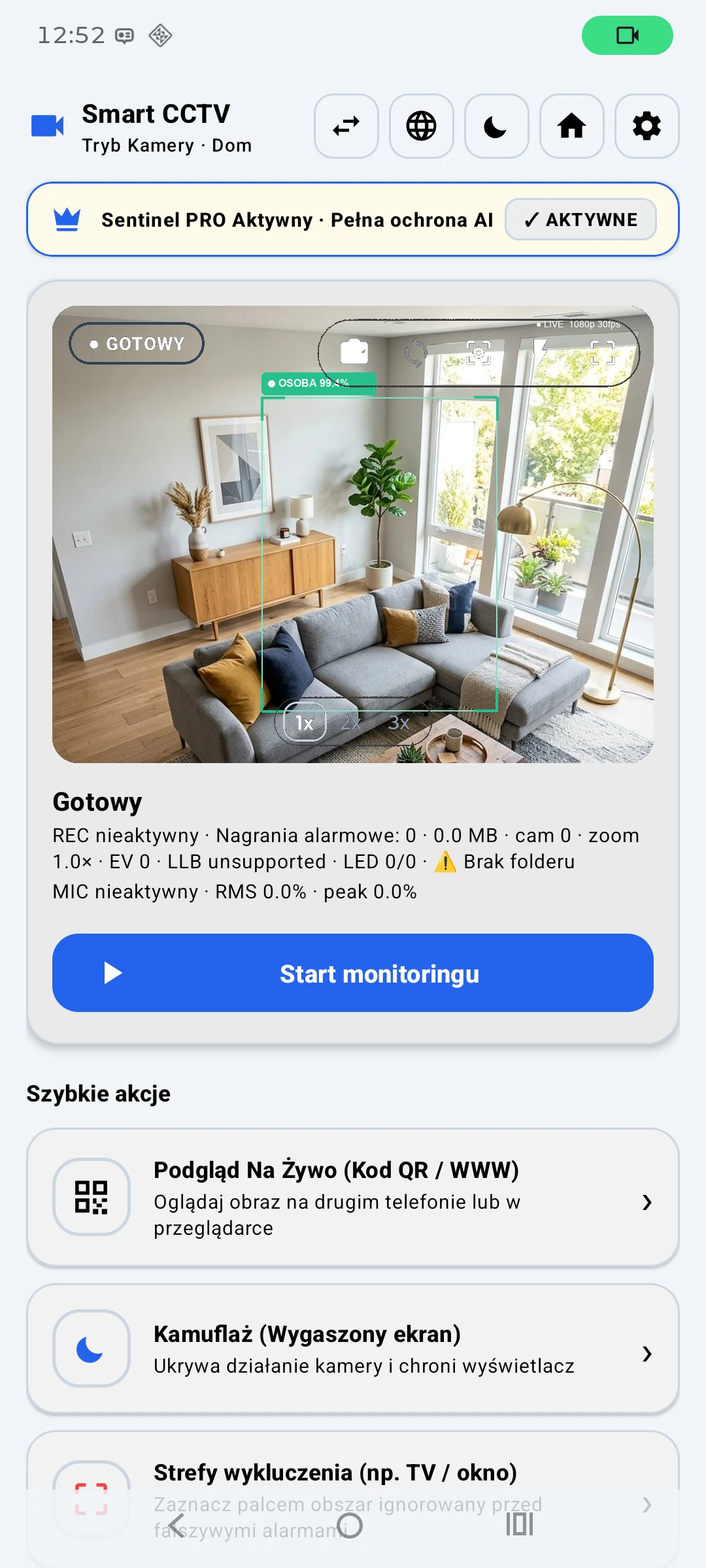
Install Sentinel AI and open the home camera mode. Configure detection areas, recording options and required Android permissions for the features you plan to use.
- Select CCTV mode and adjust camera framing.
- Configure available detection zones.
- Make a test recording and inspect the file.
- Check live viewing from another device.
Local recordings and remote viewing
Sentinel describes local image processing and on-device recordings. WebRTC is a separate remote viewing feature that requires proper connection setup. Protect session links and passwords, and respect the privacy of people in the camera view.
Reliability and limitations
Watch device temperature, review storage and test longer recording sessions. A smartphone is not necessarily a replacement for a dedicated security or alarm installation. Behaviour depends on the phone and Android power management.